
A takeoff audit trail is a chronological, tamper‑evident record of every change and authorisation made during a quantity takeoff. It logs who altered a quantity, when, and why, alongside the drawing version it came from. This matters because a priced Bill of Quantities without that record is a claim nobody can verify. Modern takeoff software produces timestamped, user‑attributed entries automatically, and this record is fundamentally different from a generic activity log.
TL;DR:
- An effective takeoff audit trail must include detailed fields such as timestamps, user roles, actions, specific affected objects, and before-and-after quantities to ensure clear dispute resolution.
- Exported audit reports should be in widely accessible formats like CSV or PDF and properly linked to drawing revisions to maintain integrity and evidential value.
- Implementing role-based access, reason fields for edits, automatic snapshots, and lock procedures before issuing a BoQ can make the takeoff process audit-ready.
- Quantiflow provides structured, pass-level records that support professional override tracking, helping teams produce defensible, traceable takeoff outputs.
- A thorough review involves reconstructing the change sequence, confirming drawing versions, and verifying reconciliation at pass level, especially when handling disputes or claims.
Table of Contents
- What is a takeoff audit trail, exactly?
- What fields should a takeoff audit trail capture?
- How does takeoff software expose the audit trail?
- What makes a takeoff workflow audit-ready?
- How do you use an audit trail to resolve a dispute?
- How does Quantiflow support audit-ready takeoffs?
- An estimator's checklist before issuing a priced BoQ
- QuantiFlow: an audit-aware option for structured takeoffs
- Sources
What is a takeoff audit trail, exactly?
A takeoff audit trail is a chronological, tamper‑evident record of who did what, when, and why, on which drawing and version, during the measurement of quantities. That's a stricter test than most people apply to "logs" generally.
Standard application logs exist for troubleshooting: they help a developer work out why software crashed at 3am. Audit trails exist for accountability. They're built to survive scrutiny from an auditor, a client's QS, or a judge, which is precisely the distinction New Relic draws between the two record types. The difference shows up in how each is protected. A crash log can be overwritten without consequence. An audit entry cannot, because tamper resistance and non-repudiation are the entire point.
Two governing frameworks sit behind this in construction:
- ISO 19650 treats audit trails as a mandatory control within Common Data Environment (CDE) workflows, not an optional extra.
- NIST's audit-trail guidance sets the technical bar for what "sufficient detail" actually means in a record, covering time, user, action, and result.
Both point the same direction: a takeoff audit trail is infrastructure for accountability, not a byproduct of using software.
What fields should a takeoff audit trail capture?
An audit trail is only as useful as the fields it records. Vague entries like "quantity updated" tell you nothing when a dispute lands on your desk six months after handover. Here's what a robust record needs, drawn from NIST's minimum standard for what an audit trail should establish and adapted for takeoff-specific work:
- Timestamp — ideally UTC, or clearly labelled if local, so sequences across time zones aren't ambiguous.
- User ID and role — not just a name, but whether they're the estimator, checker, or approver.
- Action type — create, edit, delete, or approve, stated plainly rather than inferred.
- Object affected — the specific item, dimension, drawing reference, or pass number touched.
- Before and after values — the actual quantity change, not just confirmation that a change occurred.
- Change reason or note — why the edit happened, which matters more than most estimators assume.
- Dimension pass details — the measured quantity contributed by that specific pass, not the running total.
- Substitution or skip flags — where an item was swapped or deliberately excluded.
- Linked drawing revision and sheet reference — tying the entry to the exact source version.
- Session and export events — who printed, exported, or shared the takeoff, and when.
Miss any of these and reconstructing a dispute becomes guesswork rather than evidence.
How does takeoff software expose the audit trail?
Most estimators encounter audit data in three places: an inline change history against each item, a takeoff audit report, and an export bundle for handover or archiving.
The inline history is the fastest to check day-to-day. Click an item, see who last touched it, when. The takeoff audit report is the more formal output. Vendor documentation for Sage Estimating's Takeoff Audit report describes exactly this: items listed in the order they were taken off, with pass-level dimension values, notes, and any additions, deletions, or substitutions recorded against each. That's the granularity a QS needs to reconcile a final quantity back to its individual measured passes, rather than trusting a single aggregated figure.
A takeoff audit trail is only as trustworthy as the format it exports in. A report that can't be exported to CSV or PDF and handed to a client or auditor has limited evidential value, no matter how detailed the on-screen history looks.
Common surfaces include:
- Sequential audit reports ordered by takeoff sequence or by last change.
- Versioned sheets inside a CDE, tying quantities to a specific drawing revision.
- Exportable CSV or Excel reports for handover packs and claims files.
- Integration points with estimating databases and archival systems.
Tying takeoff entries to drawing revisions properly is its own discipline. A structured approach to revision control keeps the two records aligned instead of drifting apart over a project's lifetime.
What makes a takeoff workflow audit-ready?
Audit-ready doesn't mean bureaucratic. It means the controls are decided in advance, not improvised after something goes wrong.
Start with role-based access. Edits and approvals shouldn't sit with the same person, and final passes need a named, user-attributed sign-off before pricing locks. Protecting the audit data itself matters just as much: WORM storage or hashed export copies prevent quiet edits after the fact, and centralised log aggregation with encryption stops audit data becoming an afterthought scattered across individual machines.
Retention needs a defined period, not an assumption that "it's probably still there somewhere." Set a schedule for periodic review, and define the triggers that force an ad-hoc investigation, such as a client dispute or an unexplained quantity swing.
Operationally, three habits do most of the work:
- Require a reason field on every material edit, however brief.
- Capture a before-and-after snapshot automatically, not manually.
- Lock quantities and pricing at defined review gates so nobody edits a figure the client has already been quoted.
Pro Tip: Treat the "reason for edit" field as non-negotiable, even for small corrections. Six months later, "fixed typo" is far more useful than a blank field when someone asks why a quantity changed.
For a fuller run-through, an eight-step audit-ready workflow walks through how these controls fit together across a live project.
How do you use an audit trail to resolve a dispute?
When a figure is challenged, whether by a client, a contractor, or your own QA process, the audit trail is where you start looking, not the finished BoQ.
- Reconstruct the sequence. Pull every entry against the disputed item in chronological order, not just the final value.
- Identify the controlling document. Confirm which drawing version and pass produced the figure now in question.
- Isolate the responsible operator. Check the user and role attached to the change, and trace the approval chain above them.
- Reconcile pass-level data against the total. Add the individual passes back together and confirm they match the aggregated quantity, catching the kind of silent rounding error that aggregated figures hide.
- Check for anomalies. A cluster of rapid edits late at night, or a change with no linked reason, deserves closer attention before you treat it as routine.
NIST's guidance on log review is blunt on this point: reviewers need to know what normal activity looks like to spot what isn't, and that means querying by user, date, and terminal rather than skimming a single summary page. Missing transmittals or an approval with no corresponding user entry are the two clearest signs something needs escalating before it reaches a claims file.
How does Quantiflow support audit-ready takeoffs?
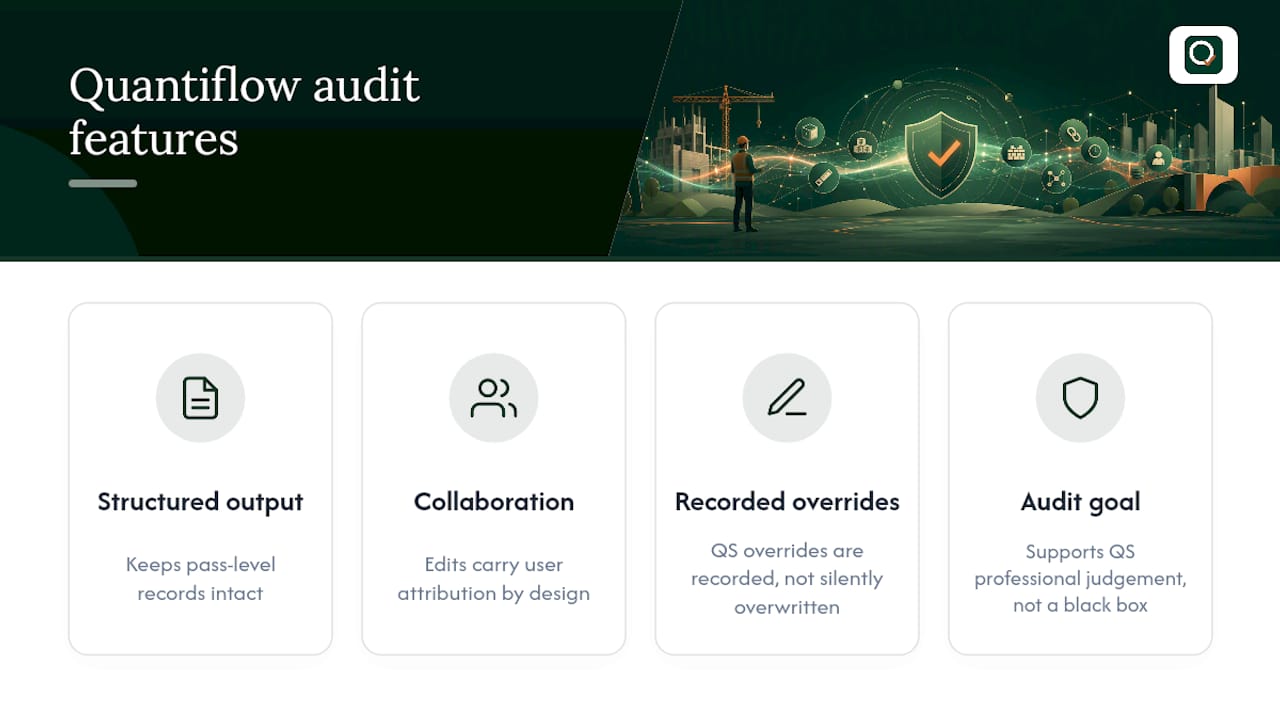
Quantiflow's structured takeoff output is built to keep pass-level records intact rather than collapsing them into a single final figure. Multi-role collaboration means edits carry a user attribution by design, and quantity surveyors can override AI-generated extractions at key stages, with that override recorded rather than silently overwritten. The aim is a takeoff audit trail that supports the professional judgement QS teams already apply, not a black box that replaces it.
An estimator's checklist before issuing a priced BoQ
Before I sign off any priced BoQ, I run the same short checklist. It's saved me from more than one awkward client call.
- Every edited item has a reason noted, not just a new number.
- Pass-level totals reconcile against the aggregated quantity.
- The drawing version referenced matches the latest issued revision.
- Approvals carry a named sign-off, not a shared login.
The most common mistake isn't a calculation error. It's a contemporaneous note skipped because "I'll remember why I changed that." You won't.
— Michael
QuantiFlow: an audit-aware option for structured takeoffs
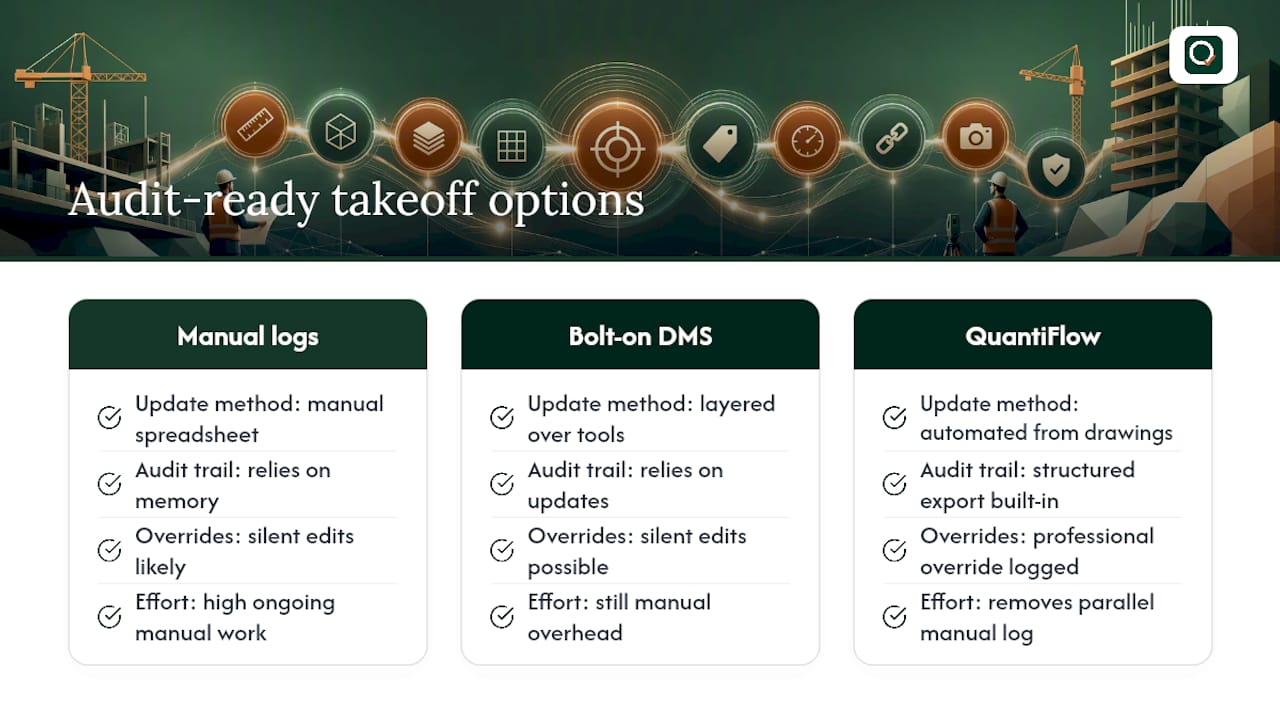
There are other ways to build a defensible takeoff record, from manual spreadsheet logs to bolt-on document management systems layered over existing estimating tools. Both work, but both rely on someone remembering to update them every single time a quantity changes, which is exactly where audit trails tend to fall apart under pressure.
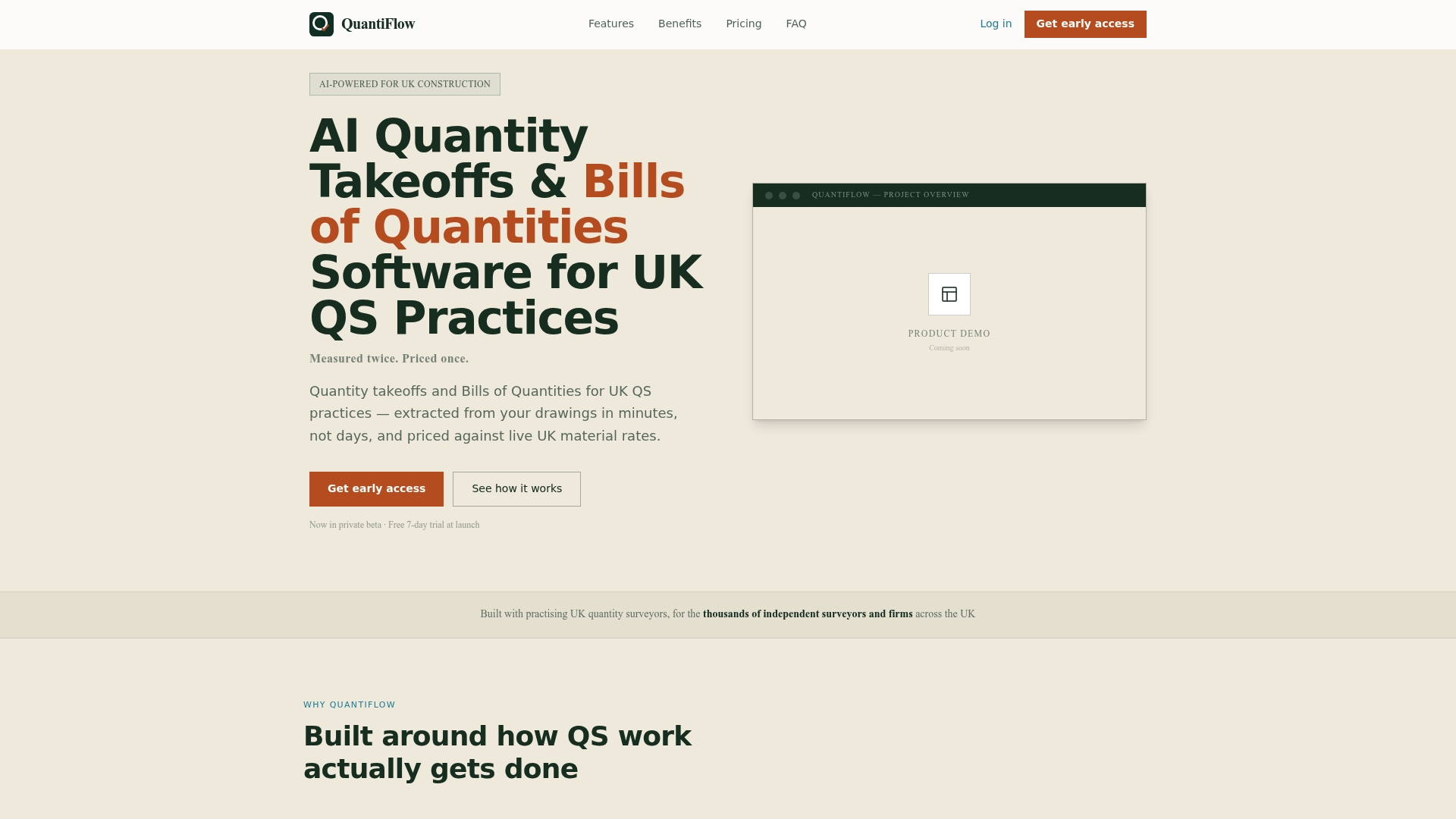
Some takeoff software automate NRM2-aligned takeoffs and BoQ generation directly from architectural drawings, with structured, exportable records built in from the first extraction rather than added afterwards. Every AI-generated quantity can remain open to professional override, and that override can be part of the record, not a silent edit. For firms producing takeoffs regularly, this can remove the manual overhead of maintaining a parallel audit log by hand.
If you're weighing up how audit-ready your current takeoff process really is, see what QuantiFlow offers and check whether a structured, traceable export would tighten your own QA before your next priced BoQ goes out the door.
Sources
For the standards and technical detail behind this article: NIST's audit-trail chapter, Procore's construction audit trail guide, and Quantiflow's guide to audit log best practices.
- What is an audit trail? — New Relic
- Special Publication 800-12: Chapter Eighteen — NIST
- Takeoff Audit report - Sage Estimating