
Comparing quantity takeoff software that fit UK practices is time-consuming and confusing due to market complexity. Many require manual rechecking, lack UK-specific pricing, or limit flexibility through restrictive licences and steep learning curves. This comparison lists strengths, pricing, and special features across four leading alternatives so quantity surveyors can match software to their workflow and budget.
Table of Contents
QuantiFlow
At a Glance
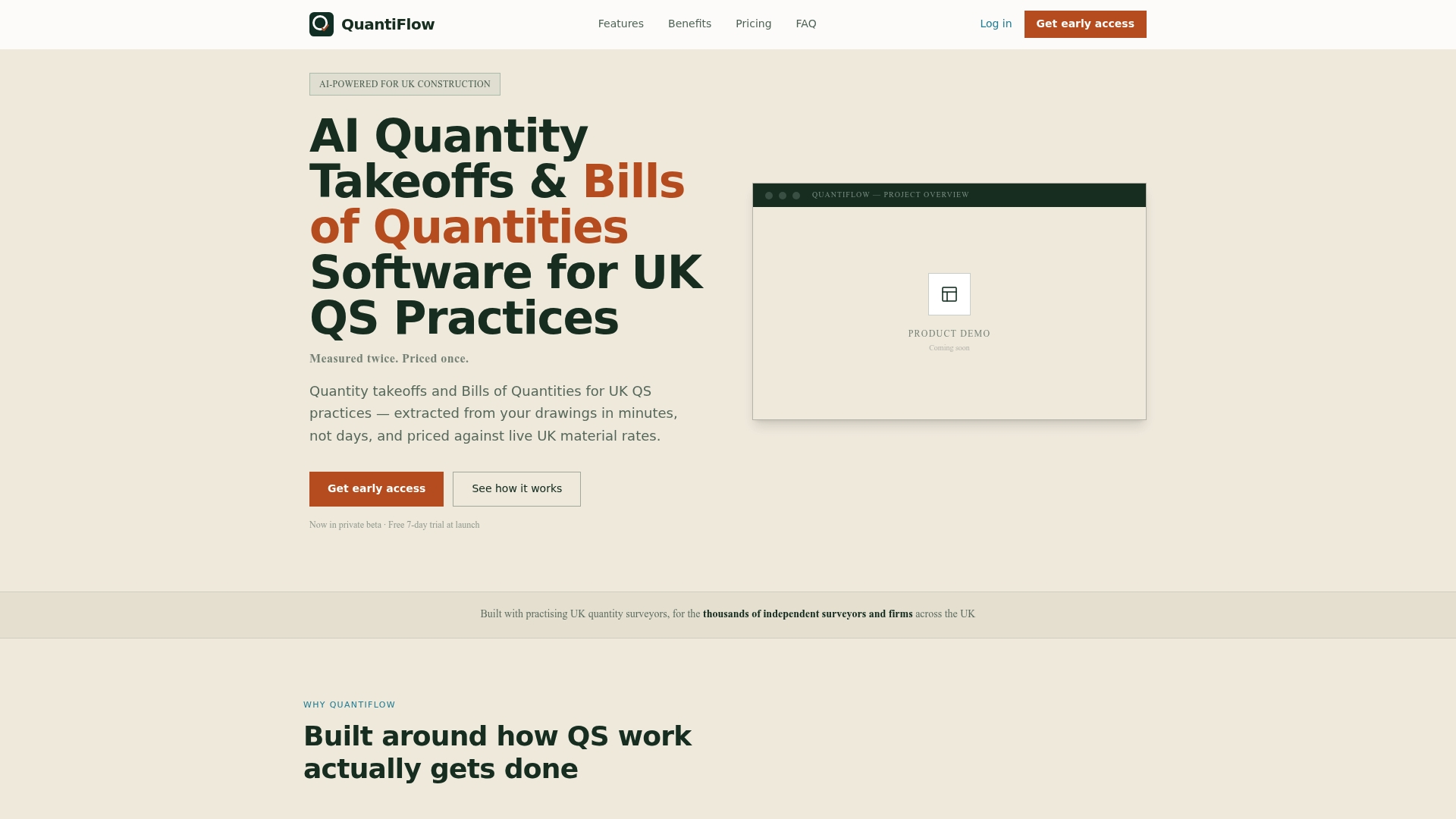
Generates NRM2 formatted Bills of Quantities directly from PDF drawings while keeping the quantity surveyor's judgement in the loop. It cross references revisions to detect overlaps and conflicts, reducing double counting in pre contract stages. The platform ties measurements to live UK material prices and offers a 7 day trial at launch.
Core Features
QuantiFlow uses AI driven quantity extraction to read PDF drawings and produce measured takeoffs, then exports professional Bills of Quantities in NRM2 format. The system cross references drawings for conflicts and maintains an audit trail and version history for traceability. It supports multi role collaboration so QS, builders and architects share permissions and live pricing within the same project.
Key Differentiator
Built specifically for UK practices, QuantiFlow integrates live UK supplier pricing with NRM2 aligned outputs inside an AI powered workflow. That combination keeps estimates tied to current market rates while producing BoQ output that matches UK professional standards. The workflow reduces manual rechecking by linking measurements, revisions and pricing in one place.
Pros
QuantiFlow reports up to 80% time savings on quantity takeoffs, which the vendor attributes to automated extraction and ready BoQ exports. The live UK material prices mean estimates reflect current supplier rates without separate lookup work. Audit trails and version history support transparent tendering and dispute defence, and multi role collaboration keeps project teams aligned on measurements and permissions.
Cons
- Partial CAD format support is still in development, so you may need to convert complex CAD files into PDF before uploading.
Who It's For
QuantiFlow suits UK quantity surveyors and small to medium practices that prepare NRM2 Bills of Quantities for residential and similar projects. It also fits builders and architects who need a shared takeoff and pricing source during pre contract work. Independent surveyors who want priceable BoQs without large firm overhead will find the price tiers relevant.
Unique Value Proposition
Starts at £39/month for the Solo plan and includes a free 7 day trial, offering an accessible entry price for SME practices. That pricing lowers the barrier to adopting digitised takeoffs while preserving the QS's professional judgement in edits and sign off. For teams on fixed budgets, the Business tier supplies shared projects and live pricing without enterprise procurement overhead.
Real World Use Case
A UK QS practice uploads a project bundle of PDF drawings and runs an AI extraction pass to produce measured quantities. The system cross references revisions to avoid double counting, applies live supplier prices, and exports an NRM2 BoQ ready for issue. The result replaces several hours of manual measurement and separate pricing lookups.
Pricing
Pricing runs from Solo at £39/month to Business at £149/month, with custom quotes for Enterprise customers. Annual billing discounts are available according to the vendor. A free 7 day trial is offered at launch for teams to test outputs and workflow fit.
Website: https://quantiflow.co.uk
Kreo Software
At a Glance
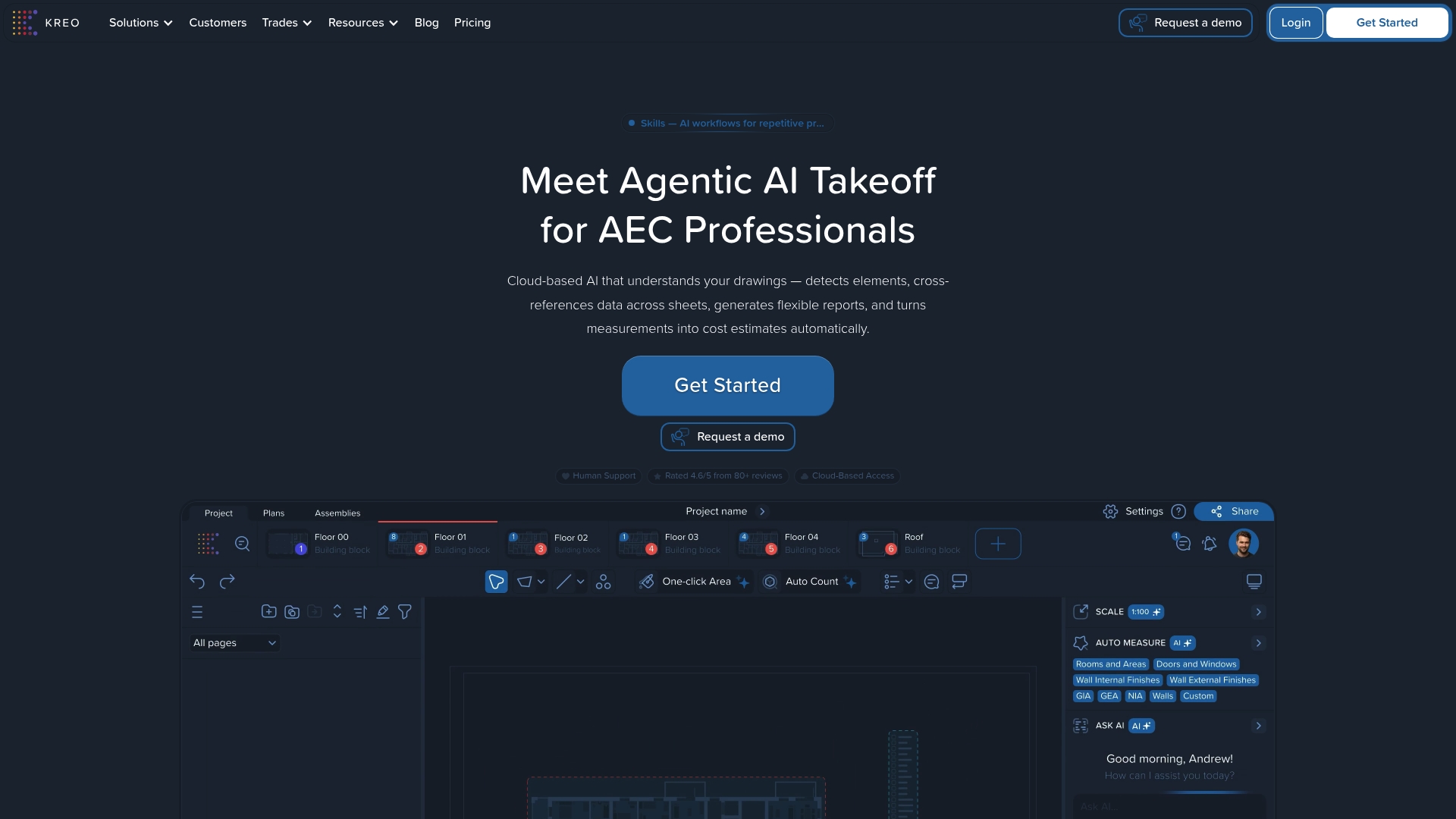
Voice interaction for queries and commands on drawings is a standout capability. The platform also offers a 3D view environment and auto scale detection that speed spatial checks. Kreo Software is cloud based so teams can access projects from any device. These features aim to reduce manual measurement time and let estimators focus on decisions.
Core Features
Kreo combines AI-driven automatic measurement with support for PDFs, CAD files and images, so imported drawings get measured and classified quickly. The tool includes a 3D view environment, auto scale detection, collaboration tools such as comments and permissions, and project templates for organisation. It also produces structured reports with live data links, stores repeating estimates in a database with rule based calculations, and exports to PDF, Excel and IFC.
Key Differentiator
Kreo’s principal edge is its emphasis on reading and measuring drawings directly with AI, linking those measurements into a rule based estimating database. That approach reduces the manual copying of quantities and feeds measured items into repeatable estimate templates. The result is faster handover from drawing review to priced BoQ when the detection works as expected.
Pros
Cloud based access lets team members work from site or the office without file transfers, improving collaboration. The platform automates many repetitive measurements and includes tools such as one click area and auto count that speed routine tasks. Users report strong customer support and reliable responsiveness, and the combination of AI measures and project templates helps quantity surveyors produce consistent outputs faster.
Cons
- Some users find the user experience muddled when projects grow complex, making navigation harder.
- Auto measure features often need manual adjustment for irregular elements, so results are not entirely hands off.
- New users face a steep learning curve for advanced features such as the AI scope builder and database automation.
- Advanced reporting options are more limited compared with some established estimating packages.
When It May Not Fit
If your work relies on fully autonomous measurement without manual checks, this product may not match that need. Firms that handle many unusual materials should expect to add manual inputs for accurate quantities. Small teams with minimal training time might struggle with the learning curve for advanced automation and reporting features.
Who It's For
This product suits AEC professionals in mid sized to large firms, including estimators, project managers and quantity surveyors. It fits teams that want AI assisted measurement but still require manual control over final quantities. It also suits organisations that need cloud based collaboration across offices and sites.
Real World Use Case
The vendor describes a growth oriented construction firm that, according to the company, reduced estimation time from days to hours by using Kreo for takeoffs. That example shows how repeated templates and database driven rules convert measured items into priceable entries rapidly. The same setup helps bidders turn sketches and drawings into draft BoQs for fast tender responses.
Pricing
Pricing starts at $35 per user per month for the Lite plan, with tiered Plus, Pro and Enterprise options billed annually. Costs vary in GBP and EUR depending on plan and licence count. Enterprise pricing and volume discounts are available on request.
Website: https://kreo.net
Ensign Software
At a Glance
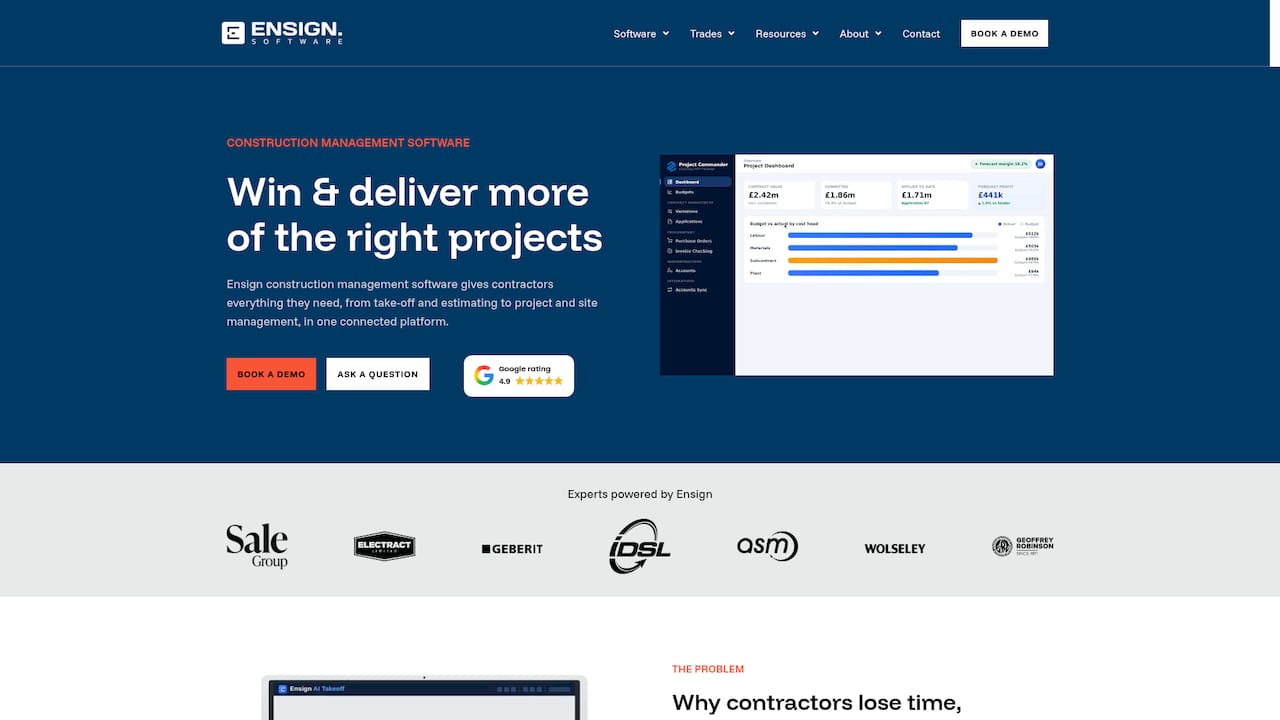
Ensign Software's marketing materials state it handled over 667,000 jobs in the last year. The vendor also reports more than 1,000 UK contractor customers and a 4.9/5★ Google rating. That scale underpins the platform's focus on trade specific workflows and UK pricing.
Core Features
The platform combines AI Auto Counting from PDFs and images with modules for take off, estimating, project management, and site management. It links those modules so data flows from tender to handover and reduces duplicate entry between teams. The system includes live UK trade prices updated weekly and custom reports for client and project control.
Key Differentiator
Ensign Software centres on trade specific workflows and a curated UK price database backed by patents. That focus aligns the product with mechanical, electrical, MEP, ductwork, and insulation trades rather than with generalist estimating tools. The vendor claims the pricing and labour data are updated weekly to reflect current UK market conditions.
Pros
Users report large time savings in take off and quoting processes when they adopt the platform. The connected modules reduce handoff errors because take off quantities, labour rates, and purchase items all travel through the same project record. UK based support and a curated price library help contractors produce more consistent bids and protect margins. Many teams find the interface easier to learn than multiple disconnected spreadsheets and systems.
Cons
-
No substantive third party reviews available. External validation of the vendor reported strengths and weaknesses is limited.
-
Potentially higher cost than simple estimating tools. The product's R and D and patent investments may push pricing toward enterprise budgets.
-
Feature breadth can demand dedicated onboarding. Smaller companies may need training time before reaching full efficiency.
When It May Not Fit
If you run a very small trade business and need a low cost, minimal feature estimating tool, this platform may be more than you need. Firms that prioritise lightweight mobile apps over integrated project controls may find parts of the system heavy. Organisations seeking extensive independent user reviews before purchase will find limited third party commentary.
Notable Integrations
Ensign Software integrates with common UK accounting packages including Xero, Sage, and QuickBooks. Those connections allow exported estimates and purchase records to flow into finance workflows. Integration reduces manual rekeying between estimating and accounting.
Who It's For
This product suits UK mechanical, electrical, MEP, ductwork, and insulation contractors that want a single system for estimating and project delivery. It fits teams that produce frequent tenders and that value up to date local pricing and labour data. It also fits contractors who can invest in onboarding to capture the benefit of connected workflows.
Real World Use Case
A mechanical contractor used the platform to cut take off time from hours to minutes and to increase the number of tenders submitted each month. The company relied on the weekly price updates to keep labour and material assumptions current. As a result, bids better matched actual site costs and margins improved.
Pricing
Pricing is not specified publicly and appears to follow an enterprise trade specific model. Prospective buyers should request a demo and a tailored quote to reflect company size and chosen modules. Expect commercial discussions to include onboarding and support costs.
Website: https://ensign.software
Planswift
At a Glance
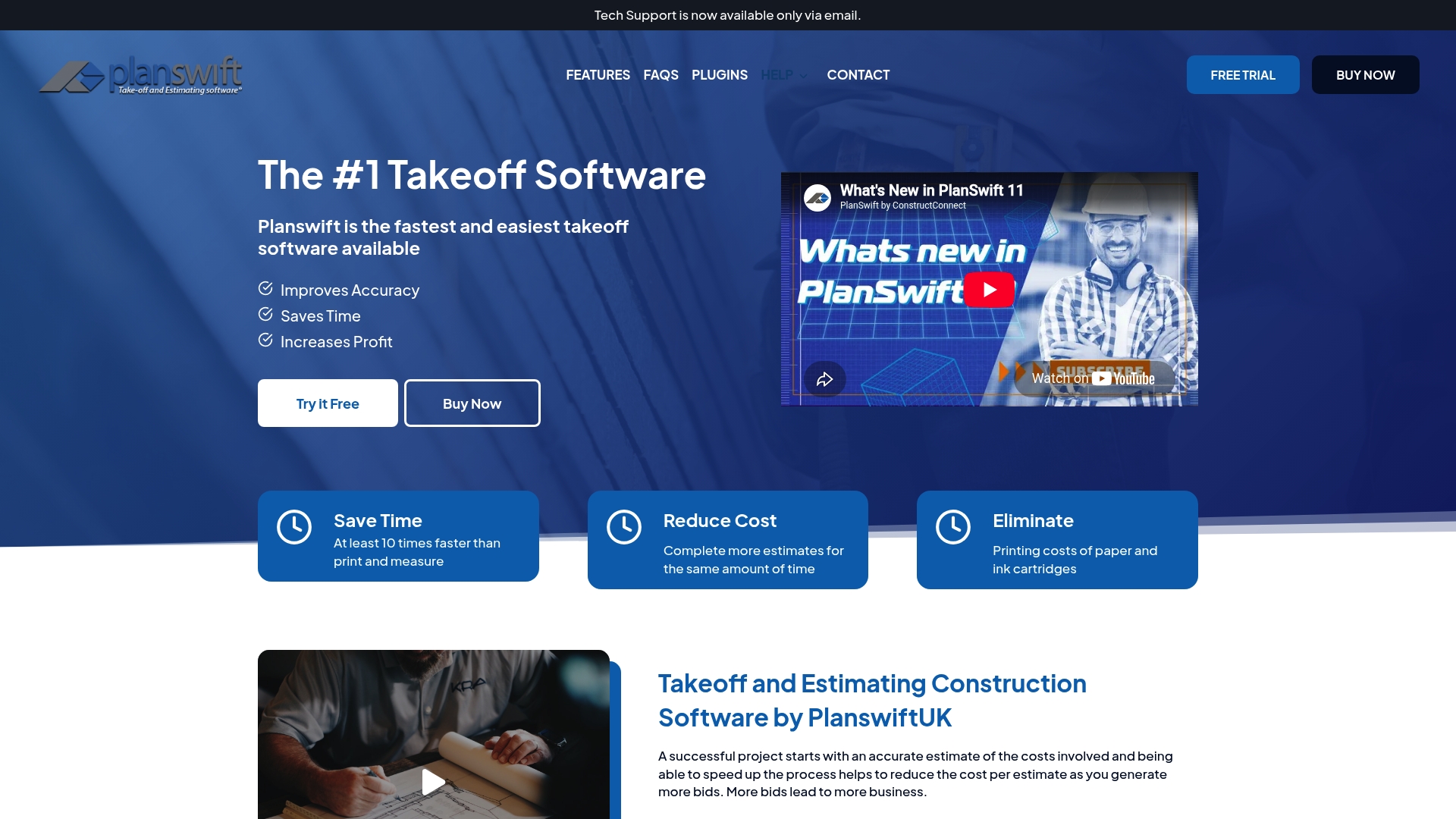
Planswift offers a lifetime licence option alongside subscription plans, which stands out for firms that prefer a one-off purchase model. The product focuses on digital blueprint measurement to reduce printing and manual counting. It targets contractors who need precise quantity figures for bids and estimates.
Core Features
Planswift provides visual, drag and drop takeoff tools that let you mark drawings and extract lengths, areas, and volumes. Colour coded annotations make revisions easy to spot, and the software exports to Excel and reads PDFs for downstream estimating. You can drive estimates from measured quantities or link material costs for quicker bid preparation.
Key Differentiator
The main distinction is the combination of an easy to use visual editor and flexible licensing that includes a lifetime purchase option. That mix suits small contractors who dislike ongoing subscriptions and larger teams who want seat flexibility. The vendor frames this as a practical choice for firms that prefer ownership over continuous fees.
Pros
Planswift delivers fast, hands on takeoffs using drag and drop tools that reduce time on paper drawings and manual counting. Accuracy on complex drawings is a clear strength when you assign measurement rules and standardise items across jobs. The product’s customisable estimating tools let you tailor templates to trade work, and the training resources, including webinars and a user guide, help shorten the onboarding curve for teams.
Cons
- Steep learning curve reported by many users. New estimators will need time and training before they reach full speed.
- The interface design feels dated and can slow adoption. Some users prefer a more modern layout.
- Compatibility issues with certain file types. Expect to convert unusual formats before measuring.
- Occasional glitches and inconsistent customer support. These incidents can interrupt a tight bid programme.
When It May Not Fit
Planswift is not ideal if you need a slick modern interface or instant plug and play for unusual CAD files. Teams that cannot allocate training time will struggle with the initial learning curve. If you require flawless support response times or guaranteed file compatibility, this product may frustrate you.
Who It's For
Estimators, project managers, and contractors who need a reliable digital measurement tool will find Planswift useful. It suits firms that produce frequent bids and prefer to control software costs via a lifetime licence. Trades that work from standard PDFs and Excel workflows will see the most immediate benefit.
Real World Use Case
A UK construction firm digitised its blueprint measurements with Planswift to cut printing costs and reduce counting errors. The team produced more bids in the same week by reusing measurement templates and exporting quantities to Excel. That extra bid volume made the firm more competitive on local projects.
Pricing
Planswift offers both subscription plans and a lifetime licence option, plus plugins and training sold separately. The vendor lists flexible licensing rather than a single public price, so contact sales for exact figures and available bundles.
Website: https://planswiftuk.co.uk
Comparison of alternatives
Choosing the quantity takeoff software depends on prioritising integration with local standards and live pricing.
Integration for UK Costing Standards
QuantiFlow delivers NRM2-compliant Bills of Quantities (BoQs) tied to live UK pricing data, catering directly to British construction market needs. However, competitors like Ensign Software stand out in niche markets by offering tailored trade-specific workflows supported by curated price updates, providing unique advantages for specialised contractors.
Learning Curves and Setup Demands
PlanSwift highlights flexibility in ownership models with its lifetime licence option, contrasting with subscription-based alternatives. While QuantiFlow offers simple setup for PDF-based takeoff workflows, platforms like Kreo Software report steeper learning curves but bring higher automation潜力 in broader project contexts.
Best fit
- Small to medium-sized UK-based Quantity Surveyors (QSs) valuing integrated live pricing tied to professionally standardised documentation can select QuantiFlow for alignment with local practices.
- Trade-specialised contractors working with sectors like mechanical and electrical systems will appreciate Ensign Software's focus on curated data and workflows.
- Estimators seeking advanced AI-enhanced measurements involving templates and iterative refinement might find Kreo Software a suitable option.
Our pick
QuantiFlow remains the premier solution for UK-based quantity surveyors due to its specific alignment with the NRM2 standard and real-time cost integration directly relevant to domestic markets. However, if your project priorities lie in trade-focused specialisation or alternative cost models, evaluating products like Ensign Software and PlanSwift is recommended to align with team-specific needs and preferences.
The following table compares leading quantity takeoff software options, highlighting unique features and suitability for specific users.
| Product | Key Feature | Best For | Pricing | Notable Limitation |
|---|---|---|---|---|
| Quantiflow | NRM2 BoQ outputs with live UK pricing alignment | UK quantity surveyors and SME practices | £39/month (Solo plan), £149/month (Business plan) | Partial CAD format support in development |
| Kreo Software | AI automated measurements with rule-based estimating database | Mid-sized to large AEC firms | $35/month per user for Lite plan | Steep learning curve for advanced features |
| Ensign Software | Trade-specific workflows with curated UK price database | Mechanical, electrical, MEP contractors | Price not published | Limited third-party reviews for validation |
| Planswift | Lifetime licence option with visual drag-and-drop tools | Estimators preferring non-subscription | Price not published | Reported steep learning curve for new users |
Choosing the Right buildig.ai Alternative for Your Quantity Surveying Needs
Quantity surveyors and construction professionals looking at buildig.ai alternatives face clear challenges: ensuring accuracy while reducing manual measurement time and linking quantities to live UK pricing within NRM2-compliant output. Quantiflow meets these needs exactly by automating quantity takeoffs from PDF drawings and maintaining the surveyor’s judgement through a reliable cross-referencing engine. The platform offers significant time savings and traceable audit trails, keeping estimates current with live market prices.
• Automate BoQ creation directly from drawings • Maintain full control over measurements and revisions • Access live UK material prices without leaving the system
See how Quantiflow supports UK SMEs, builders, and architects with precise, priceable BoQs. Visit Quantiflow and start your free 7 day trial to convert your PDF drawings into NRM2-ready quantities.
FAQ
How does Quantiflow support automated quantity extraction from drawings?
Quantiflow uses AI-driven quantity extraction to read PDF drawings and produce measured takeoffs. This feature allows for faster generation of Bills of Quantities in NRM2 format, saving time during the estimation process. You can expect significant efficiency improvements in your takeoff tasks.
What is the difference between Kreo Software and Quantiflow?
Kreo Software excels in providing voice interaction for queries on drawings, which enhances user engagement. In contrast, Quantiflow focuses on generating NRM2 Bills of Quantities directly from PDF drawings and tying measurements to live UK material prices. If your primary goal is producing compliant BoQs with live pricing, Quantiflow is the better fit.
Which platform allows for multi-role collaboration during project management?
Quantiflow supports multi-role collaboration, enabling quantity surveyors, builders, and architects to share permissions and access live pricing within the same project. This feature fosters teamwork and ensures all stakeholders are aligned on measurements and costs. Consider incorporating Quantiflow for a unified team experience.
Can I use Quantiflow for estimating residential projects?
Yes, Quantiflow is designed for UK quantity surveyors and small to medium practices that prepare NRM2 Bills of Quantities for residential and similar projects. You'll find it particularly effective for managing pre-contract work efficiently.
What are the pricing tiers for Quantiflow?
Pricing for Quantiflow starts at £39 per month for the Solo plan and goes up to £149 per month for the Business plan. The free 7-day trial at launch offers a low-commitment way to test its features before fully committing.